


Health and safety and MEX CMMS
In this post

1
2
3
Maintaining workplace safety goes hand in hand with effective maintenance management. MEX CMMS helps organisations schedule safety inspections, track corrective actions, and document compliance measures to reduce risks and support a safer work environment.
With national safe work month just gone by in October, we thought it would be a perfect time to talk about safety and how MEX can help make you and your colleagues safer at work.
It was only 90 years ago when construction began for the Sydney Harbour Bridge. Back in those days, the rigorous standards of Occupational Health and Safety of today's modern age did not exist. As a result, the work involved was often difficult and extremely dangerous. During the 10 years of construction, 16 workers lost their lives on the job with even more suffering injuries.
In today's era, we have learnt from our mistakes and continue to strive for improvements in all areas of the work place, especially Health and Safety. At MEX Health and Safety is very important to us so we are always closely following the trends of the industry and continuing to evolve with it.
Health and Safety may seem from a management point of view as detrimental to the bottom line, but in-fact it's quite the opposite. Since Australia adopted a more modern style of OH&S in the 1970s and 80s, there has been a huge reduction in work place deaths, worker fatigue, disease and injury. This means happier and more productive workers as well as less breakdowns and less downtime.
So then, what does MEX have to offer in terms of safety?
- First, we have the Permits module which allows you to look at a Work Order and see if you have the required permits to action the work.
- Second, we have ways of “collecting” data through the Audit and Inspections modules.
- Finally, we have a deep Statutory Reporting module to reflect on the data you've collected.
Auditing in MEX
Let's talk MEX Audits. Auditing is a process that addresses a series of questions or checks that are designed to assess the safety of a piece of equipment and identify the precursors of operational and safety hazards. MEX aims to make two steps of the audit cycle easier:
- MEX makes observing your current practices simple and more automated while also
- Streamlines the process of comparing your current practice with the standard.
If you navigate to the Asset Register, you may notice a tab called “Audit”.
SafetyME_Audit1.png
In order for data to appear here, more than one inspection must be entered into MEX that have the “Asset Audit” check box ticked.
This tab will automatically display the inspection results for the last Audit Work Order. If you don't want to create an inspection with the “Asset Audit” checkbox, you can also create an ad-hoc audit work order through the Create Audit W/O button here.
SafetyME_Audit2.png
Let's navigate to an audit work order, go to the audit tab, highlight an asset and select ‘Details'. This will bring you to an audit entry screen where you can:
- Record the results of various checks made while inspecting the Asset.
- Take any photographs to support the inspection results
- Generate Maintenance Requests for any defects found during the Inspection
- Record the GPS location of the Asset
When creating a maintenance request from an audit question, any photos that have been uploaded through the iPad, desktop or other device will flow automatically through to the Request. All this functionality is available on your mobile devices as well, through the MEX 15 front-end. All you have to do is navigate to your MEX instance like normal through the device's web browser. This module has been optimized for tablets and mobile devices, so you will be able to take pictures and create a request, having the picture flow down to the request as a document while you're out in the field.
However, MEX has their finger on the pulse of the safety and maintenance industry and it is becoming more mobile, with the demand for mobile functionality always increasing. We are currently working on a native iOS module to better serve the industry.
After you have been using the auditing module for a term and reach the analytical stage of the auditing cycle, this will bring you to MEX Reporting. You could collect all the data in the world but what is the point if you are unable to effectively reflect, analyse and learn from it? Reporting gives you foresight and with correct procedures helps to increase overall safety and make informed changes to your current practice. You will be able to see which machines are the most hazardous and determine the overall safety for a piece of an asset and see whether a replacement is preferable.
Here are some reports that may be instrumental in your analysis:
- Critical Work Orders Completed by Job Type
- Asset Cost by Job Type
- Work Order History by Job Type
There are many other reports in MEX, but we can also tailor one to suit your needs. Just contact our Sales team for more information.
MEX is all about safety and we sleep well knowing you guys are safe and can return to your families in good health at the end of the day. With increased safety there are less breakdowns, more uptime, less worker-stress and a happier work place overall. An investment in safety is an investment in the prosperity of your company and happiness of your employees.
If you have any questions about these Safety, Auditing, Permits and any other module covered in this video, please contact our support team at support@mex.com.au or call +61 7 3392 4777
Catch up with our safety related articles by visiting this page on our blog: MEX National Safe Work Month
You can also download a copy of our white paper: Workplace Health and Safety: How a CMMS can improve Workplace Health & Safety practices
Workplace Health and Safety White Paper
NationalSafeWorkMonth_MEX_long.png
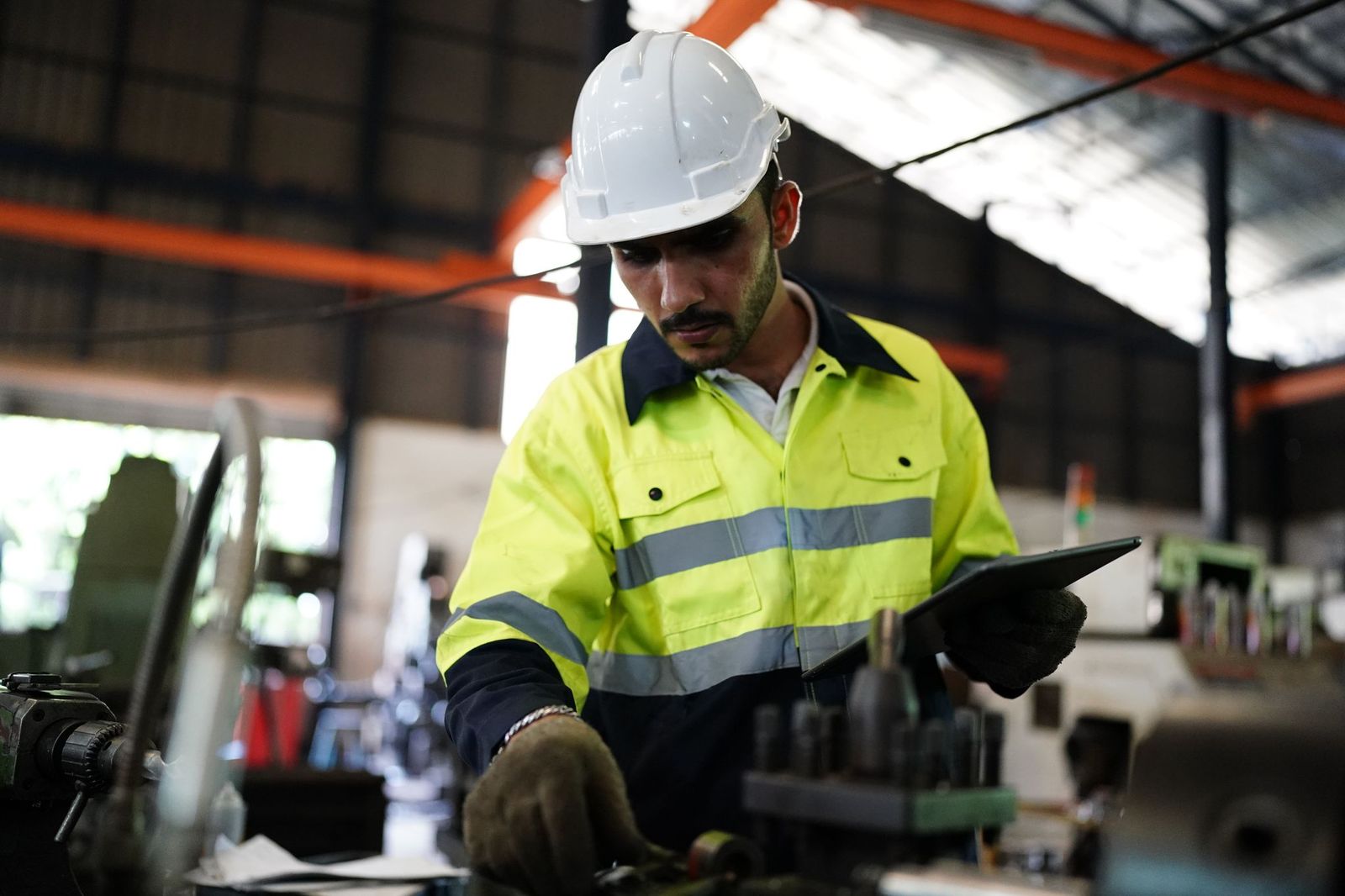
- Reduce workplace hazards and create safer facilities across healthcare and biotech environments with a proactive approach to asset maintenance management.
- Automate inspections, manage permits, and generate real-time compliance reports to meet health, safety, and regulatory requirements.
- Connect audits, inspections, and work orders to help teams quickly identify and address risks before they affect operations.
Download your whitepaper now
You’re all set!
Your eBook is on its way to your inbox. We hope it brings fresh insights and practical takeaways to help you get more from your maintenance operations.




With national safe work month just gone by in October, we thought it would be a perfect time to talk about safety and how MEX can help make you and your colleagues safer at work.
It was only 90 years ago when construction began for the Sydney Harbour Bridge. Back in those days, the rigorous standards of Occupational Health and Safety of today's modern age did not exist. As a result, the work involved was often difficult and extremely dangerous. During the 10 years of construction, 16 workers lost their lives on the job with even more suffering injuries.
In today's era, we have learnt from our mistakes and continue to strive for improvements in all areas of the work place, especially Health and Safety. At MEX Health and Safety is very important to us so we are always closely following the trends of the industry and continuing to evolve with it.
Health and Safety may seem from a management point of view as detrimental to the bottom line, but in-fact it's quite the opposite. Since Australia adopted a more modern style of OH&S in the 1970s and 80s, there has been a huge reduction in work place deaths, worker fatigue, disease and injury. This means happier and more productive workers as well as less breakdowns and less downtime.
So then, what does MEX have to offer in terms of safety?
- First, we have the Permits module which allows you to look at a Work Order and see if you have the required permits to action the work.
- Second, we have ways of “collecting” data through the Audit and Inspections modules.
- Finally, we have a deep Statutory Reporting module to reflect on the data you've collected.
Auditing in MEX
Let's talk MEX Audits. Auditing is a process that addresses a series of questions or checks that are designed to assess the safety of a piece of equipment and identify the precursors of operational and safety hazards. MEX aims to make two steps of the audit cycle easier:
- MEX makes observing your current practices simple and more automated while also
- Streamlines the process of comparing your current practice with the standard.
If you navigate to the Asset Register, you may notice a tab called “Audit”.
SafetyME_Audit1.png
In order for data to appear here, more than one inspection must be entered into MEX that have the “Asset Audit” check box ticked.
This tab will automatically display the inspection results for the last Audit Work Order. If you don't want to create an inspection with the “Asset Audit” checkbox, you can also create an ad-hoc audit work order through the Create Audit W/O button here.
SafetyME_Audit2.png
Let's navigate to an audit work order, go to the audit tab, highlight an asset and select ‘Details'. This will bring you to an audit entry screen where you can:
- Record the results of various checks made while inspecting the Asset.
- Take any photographs to support the inspection results
- Generate Maintenance Requests for any defects found during the Inspection
- Record the GPS location of the Asset
When creating a maintenance request from an audit question, any photos that have been uploaded through the iPad, desktop or other device will flow automatically through to the Request. All this functionality is available on your mobile devices as well, through the MEX 15 front-end. All you have to do is navigate to your MEX instance like normal through the device's web browser. This module has been optimized for tablets and mobile devices, so you will be able to take pictures and create a request, having the picture flow down to the request as a document while you're out in the field.
However, MEX has their finger on the pulse of the safety and maintenance industry and it is becoming more mobile, with the demand for mobile functionality always increasing. We are currently working on a native iOS module to better serve the industry.
After you have been using the auditing module for a term and reach the analytical stage of the auditing cycle, this will bring you to MEX Reporting. You could collect all the data in the world but what is the point if you are unable to effectively reflect, analyse and learn from it? Reporting gives you foresight and with correct procedures helps to increase overall safety and make informed changes to your current practice. You will be able to see which machines are the most hazardous and determine the overall safety for a piece of an asset and see whether a replacement is preferable.
Here are some reports that may be instrumental in your analysis:
- Critical Work Orders Completed by Job Type
- Asset Cost by Job Type
- Work Order History by Job Type
There are many other reports in MEX, but we can also tailor one to suit your needs. Just contact our Sales team for more information.
MEX is all about safety and we sleep well knowing you guys are safe and can return to your families in good health at the end of the day. With increased safety there are less breakdowns, more uptime, less worker-stress and a happier work place overall. An investment in safety is an investment in the prosperity of your company and happiness of your employees.
If you have any questions about these Safety, Auditing, Permits and any other module covered in this video, please contact our support team at support@mex.com.au or call +61 7 3392 4777
Catch up with our safety related articles by visiting this page on our blog: MEX National Safe Work Month
You can also download a copy of our white paper: Workplace Health and Safety: How a CMMS can improve Workplace Health & Safety practices
Workplace Health and Safety White Paper
NationalSafeWorkMonth_MEX_long.png


Related resources
You’ve seen what’s possible—connect with us to learn how TMA Systems can support your goals beyond the event.
You’ve read the insights, now see how TMA Systems helps teams put them into practice.
From ideas to impact
You’ve read the insights, now see how TMA Systems helps teams put them into practice.
From screen to solution
You’ve watched what’s possible, now see how TMA Systems works for your organization.
From insight to implementation
You’ve explored the strategies, now see how we can bring them to life across your real facilities.